Variable Vial Label Data: Keep Leading Zeros Through Handover
Approve the identifier, not only the spreadsheet appearance
The worksheet displays 00127. The print preview shows 127. Enlarging the data field will not restore the missing characters. Before releasing a variable-data vial-label job, the buyer needs to establish where the exact approved string changed between the source and the generated output.
I would treat identifiers as text where their characters must be preserved, define the transfer format with the recipient and compare received data with the approved source. A neatly formatted workbook is a useful working document. It is not proof of what an exported file contains or how another program will import it.
This guide concerns data integrity for packaging printing. It does not assign product identifiers, create a traceability system or establish that RP Labels provides every variable-data production workflow. Ask what data preparation and checking are available for the actual project.
Decide which fields are identifiers rather than quantities
A quantity is intended for arithmetic. An identifier may contain digits while depending on their exact sequence, including leading zeros. The data owner should distinguish them before the file is handed over. Do not let a spreadsheet guess whether a field is a number, date or code on the basis of its appearance.
The same care applies to separators, letters and longer character strings. Specify the permitted format and supply safe representative examples. If the source is uncertain, stop and obtain an authoritative value rather than asking the designer to infer the missing characters from adjacent rows.
Microsoft’s Excel guidance describes automatic conversions affecting leading zeros, longer numeric strings and date-like values. It explains treating relevant imported columns as text and distinguishes workbook display formatting from data used by other programs. Available controls depend on the Excel version. Use the current documentation for the software actually involved rather than assuming every recipient has the same menu.
Separate display, transfer and generated output
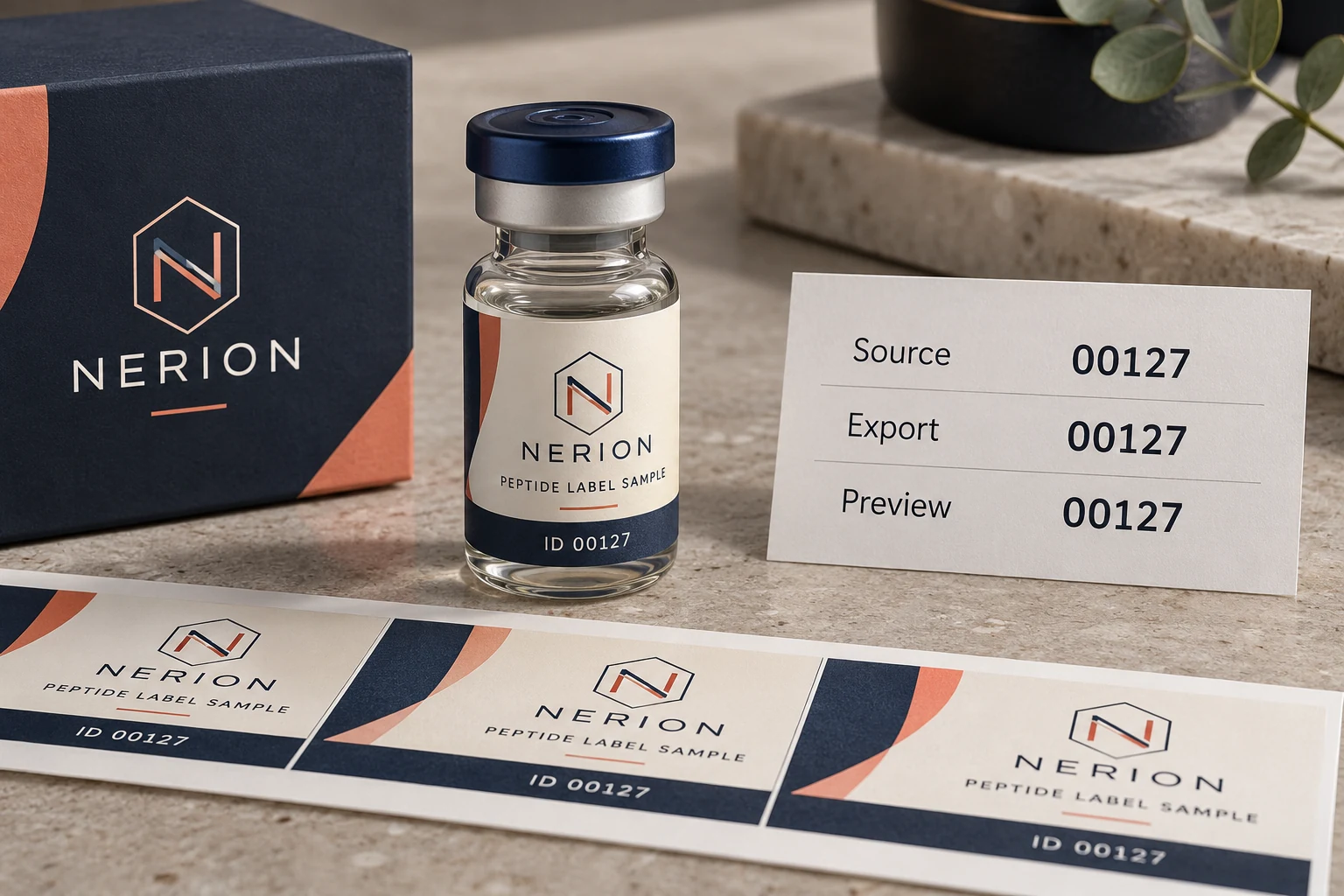
The example repeats the same identifier across three checkpoints. It is an illustration of what to compare, not evidence that any software workflow or complete production dataset has been verified.
| Checkpoint | Compare against the approved source | Question it answers |
|---|---|---|
| Working source | Exact identifier characters and field meaning | What did the data owner authorize? |
| Exported file | Values as actually written, with agreed structure | Did export preserve the intended strings? |
| Recipient import | Values after that workflow reads the file | Did interpretation change a field? |
| Generated artwork | Identifier and its associated design/row | Did the merge place the right value on the right label? |
| Released job | Identified data version and accepted output | Which combination is authorized for production? |
Use 00127 as an illustrative identifier, not a prescription that all codes need five characters. A custom display mask may make a numeric value appear with zeros in a workbook. That visual presentation alone does not establish how the receiving workflow will obtain the required string.
Likewise, changing a column to text after characters have already disappeared does not identify what the original value was. Return to the authoritative source and verify it. Adding zeros by assumption can produce a visually tidy but incorrect identifier, especially when field lengths legitimately vary.
Make a small handover specification
Ask the data owner to list field names, meanings, expected formats and which values may be blank. Identify any characters that must remain unchanged. Agree the file type, delimiter, encoding and field mapping with the actual recipient instead of assuming that one familiar spreadsheet export works everywhere.
Include the link between the data row and the correct design or SKU. A preserved identifier can still be printed beside the wrong product name if the merge relationship is wrong. Keep an unambiguous stable row reference or another agreed mapping method, with its purpose explained to the person preparing the job.
For custom peptide vial labels, confirm whether the fields will be printed with the main artwork or added later by the buyer. The lot and date workflow guide addresses that earlier production choice and available space. Here the question is whether the agreed data survives its handover intact.
Compare representative cases, then control the released file
Use representative safe examples that reveal the relevant conversion risks: a leading-zero value, a long identifier where applicable, a permitted blank and the actual separators or letters. Include the longest expected field for layout review. Do not use confidential customer records when a legitimate non-sensitive example can test the transfer question.
Have the receiving party return the interpreted values and representative generated output for comparison. Check exact characters as well as the row-to-design relationship. A successful representative test supports that demonstrated path, but it does not verify every row of a larger production file. Agree the full-file reconciliation and exception handling appropriate to the project.
Preserve the approved source, exported file and release version rather than overwriting them during corrections. State who owns data approval and who prepares output. If a new data file arrives after sign-off, assess the changed rows and obtain the required renewed release. A filename containing final is not an independent approval record.
Two illustrative jobs need different controls
Imagine a brand with one fixed lot identifier repeated on a single artwork. The buyer can explicitly approve that literal string and its placement in the released file. Building an elaborate row merge when every label uses the same approved value may add unnecessary complexity.
Now imagine several approved identifiers connected to different versions in a data file. The buyer must check both preservation and association: does each exact string reach the correct label design? A screenshot of one attractive preview cannot answer the complete mapping question.
These are illustrative handovers, not RP production records. If the supplier cannot accept or verify the requested workflow, the buyer may retain responsibility for a suitable later-printing process or seek another confirmed route. Printing an unverified merge merely because the label layout is ready would leave the main data decision unfinished.
Questions about print-data files
Does saving as CSV preserve every workbook format?
Do not assume it. Inspect the actual exported values and agree how the recipient imports them. A workbook’s displayed formatting and the literal content of a text-data file are different checkpoints.
Can a scan prove the original string stayed correct?
Compare the returned value with the authorized source. A readable symbol can carry the wrong value. The barcode and receiving-system guide separates decoding, payload accuracy and application acceptance.
Should the printer add missing zeros?
Only an approved rule from the data owner can authorize a transformation. If the original value is uncertain, obtain the correct source instead of reconstructing identifiers by guesswork.
What should I send for a data review?
Through the printing inquiry form, send the field dictionary, safe representative rows, exact expected strings, proposed file format and encoding, design mapping and quantity per design. Identify who approves the data and which production stage prints it. Ask the provider to confirm the available preparation and review scope before sending the final authorized dataset.