Ordering Labels for a Supplement Bundle: Count Bottles and Selling Sets
Turn a physical supplement bundle into separate label quantities for each bottle and the selling set, with approved identifiers and an assembled-pack review.

Practical RP Labels guides to custom label sizing, materials, application formats and packaging verification.

Turn a physical supplement bundle into separate label quantities for each bottle and the selling set, with approved identifiers and an assembled-pack review.
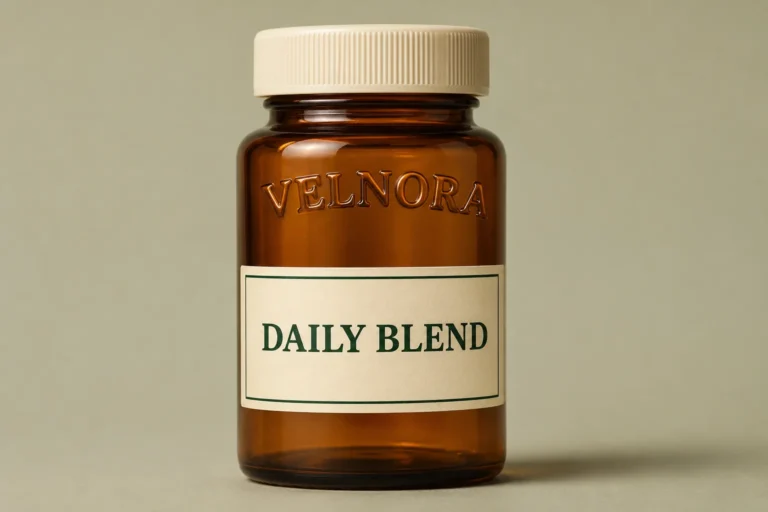
Keep a moulded bottle logo visible and decide how the printed label will align with it. Check angular position, usable space and the actual application method.
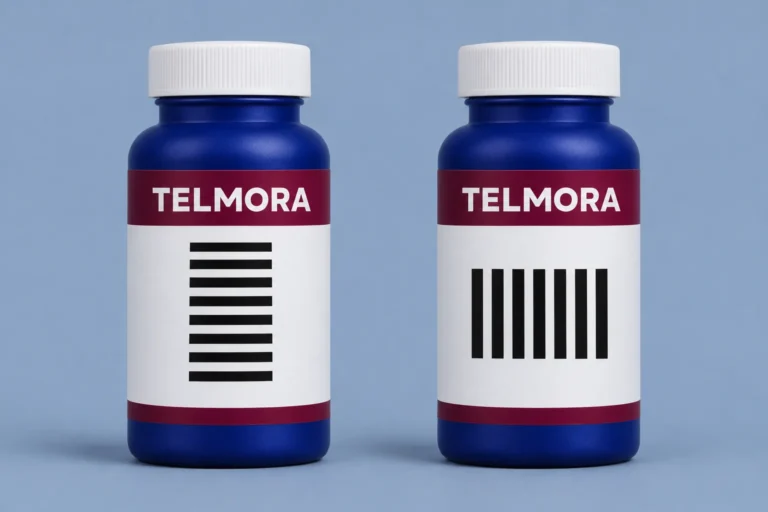
Choose ladder or picket fence orientation for a linear barcode on a round supplement bottle. Compare actual-size layouts and approve a printed sample.
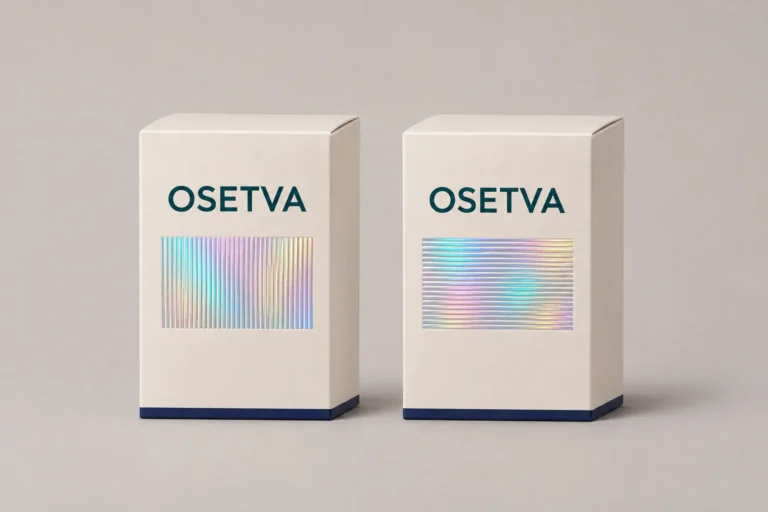
Decide whether optical patterns need to align across a packaging set, and use a paired physical sample to approve each label’s direction.

Specify a trial roll for supplement labels, agree what the packer must verify, and keep setup consumption separate from usable production quantities.

Compare releasing ready holographic label designs with waiting for the full set. Confirm included files, held designs, shared setup, price and timing first.

Decide whether a supplement jar needs a lid label. Check top-view identity, the usable lid surface, body information, alignment and the extra application step.
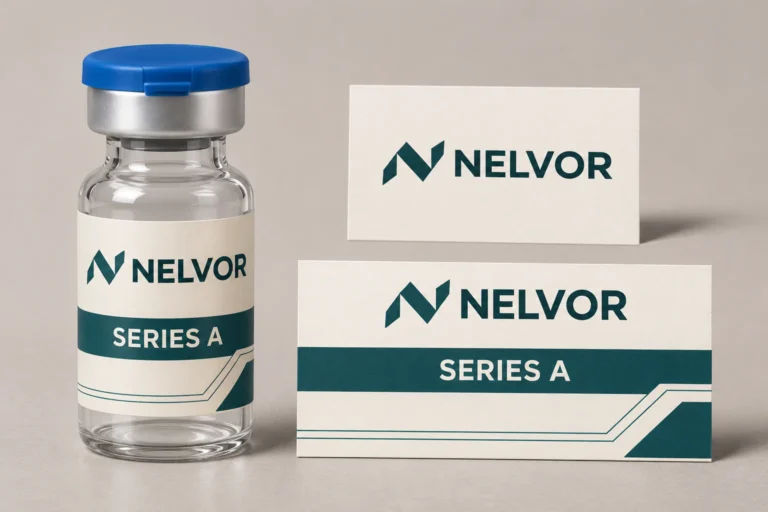
Start a vial label design with your logo, approved wording and a clear brief. Identify fixed inputs, open decisions and the first layout to review.

Decide whether several products can share one holographic badge. Check artwork, construction, quantity per design and how the packer allocates stock.

Compare separate and combined shipping for vial labels and empty packaging. Check readiness, packed cartons, handoff costs and the packer’s first usable date.