QR Codes on Small Vial Labels: Check the Printed Bottle, Not Only the PDF
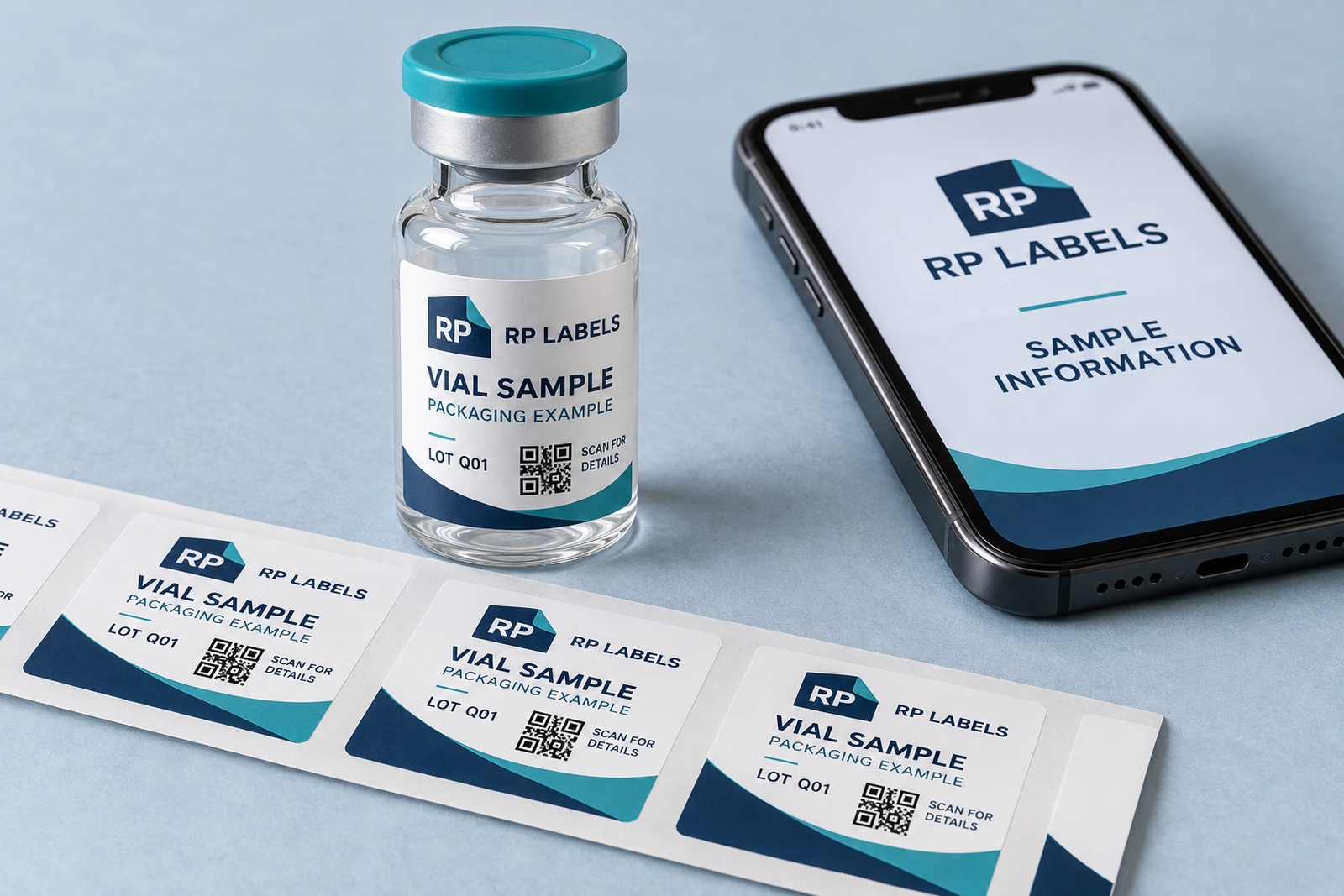
A buyer sends a label PDF and reports that its QR code scans perfectly. That is a useful first check, but it does not settle the printed order. The final code will sit on a small curved surface, under real lighting, with the chosen material and finish. Those conditions deserve their own review.
For small vial labels, I would treat the QR code as a functional part of the packaging brief. Decide what it should open, reserve the space it needs and check a representative printed label on the intended vial. A successful scan from a large screen image is not evidence that the bottle is ready for production.
Start with the destination, not the square
Identify the page the buyer or operator needs. Is it a product-information page, a document index or another specific destination? Choose a stable HTTPS address and decide who maintains it. A technically readable code is still unhelpful if it opens an expired page, an unrelated homepage or a form the visitor cannot access.
Check the destination on a phone without relying on your own logged-in session. Review what the page says, whether it loads comfortably and whether its language matches the intended audience. If documents are involved, make the navigation understandable. Avoid printing a code before someone has taken responsibility for the page behind it.
A QR code alone does not establish authenticity, compliance or the validity of a report. Those claims require their own system and evidence. This guide concerns access and usability on a printed vial label, not a certification or anti-counterfeit guarantee.
Reserve space for the code and its quiet zone
Do not fill the corner with artwork and add a code wherever a small gap remains. The symbol needs clear separation from nearby graphics. Its printed size depends on the encoded content, module count, intended scanning context and print quality; there is no single millimeter size that solves every small-container layout.
GS1’s 2D barcode implementation guideline describes a QR quiet zone of four modules on all sides. That clear border is part of the symbol’s layout, not spare space for decorative lines. Its retail specifications have a defined scope; do not apply a retail sizing table automatically to every non-retail vial use.
Ask the artwork team to preserve the generated symbol geometry and its clear area. Reducing the whole label after adding the QR code also reduces the code. Recheck it at the actual finished size whenever the layout changes.
Keep the content economical
A long destination or a larger payload can make a code more complex. Review whether the intended content can be represented by a stable, concise address maintained by the brand. Do not remove necessary information merely to simplify the pattern, and do not substitute an unfamiliar link service without discussing its ownership and reliability.
Save the exact encoded destination with the approved artwork record. When reviewing a revision, confirm that the code still resolves to that destination. Two visually similar patterns may contain different data, so a thumbnail comparison does not establish that the information remained unchanged.
The purchasing question is practical: will this particular printed code give the intended visitor straightforward access? Avoid turning the label into a dense data container when a clearly managed page would serve the job better.
Place it where the vial can present it
Keep the code within a useful front-facing area rather than crossing a wrap seam. Inspect how much curvature runs across it. A label can fit the vial while still presenting the square awkwardly to a camera. The container diameter and final code placement should be part of the sample review.
Keep essential information nearby but outside the quiet zone. A short callout can explain the destination, such as product details, without promising what the code cannot prove. Avoid moving the code onto a highly reflective decorative band simply because that area is visually attractive.
Use our label size calculator to explore the starting dimensions, then check a mock-up on the real container. The calculator estimates fit; it does not calculate scanning performance or approve a barcode specification.
Check contrast and finish together
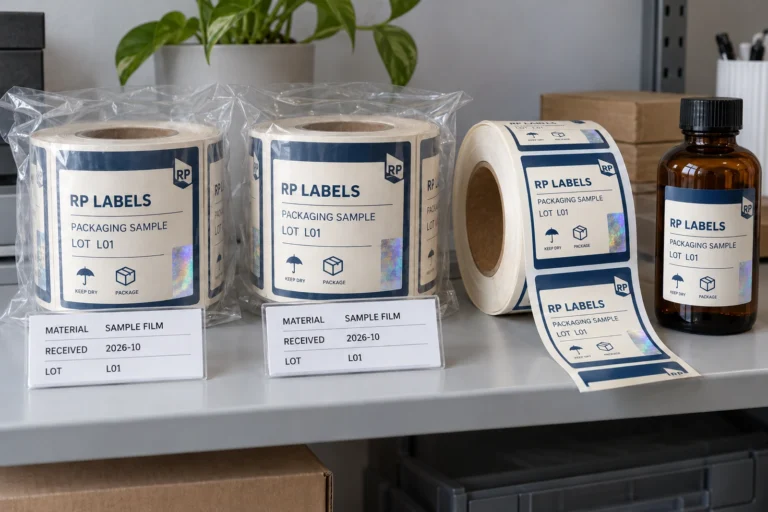
Discuss a clearly separated code area with the supplier. If the design uses holographic material, consider an opaque information panel so the symbol does not share an uncontrolled reflective background. That is a layout option to sample, not a guarantee that every white panel will scan reliably.
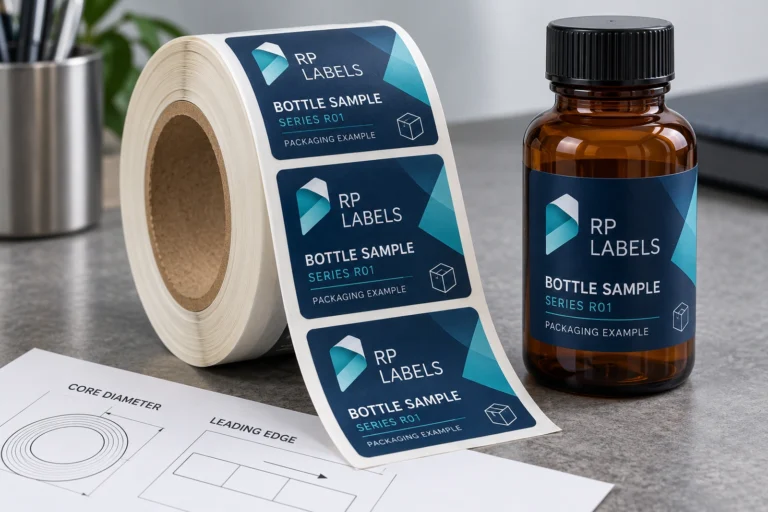
Review the proposed print and finish at the final size. Look for lost detail, softened edges or glare that makes presentation awkward. The generated image in this article is a packaging illustration; its QR-style patterns are not production codes and should not be copied into artwork.
A phone scan is a useful functional check. It is not equivalent to a formal barcode verification report. If the purchasing brief requires a specified verification method or grade, identify the applicable standard and arrange that review separately.
A hypothetical layout review before release
Imagine an illustrative buyer preparing a narrow vial label. The initial draft places a code close to a colored border and across the bottle’s side. It opens the right page from the PDF, so the buyer is tempted to approve immediately. Instead, the team reserves a clear central panel and reviews a printed sample on the vial.
They check the intended phones, normal handling angles and realistic lighting, recording observations rather than inventing a pass rate. If access is inconvenient, they revisit the destination length, printed code size, placement and construction. The example is a proposed review process, not a claim that RP Labels has tested a particular vial.
The counterexample is a large flat carton code intended for a different scanning environment. Its available space and presentation are different. Copying that layout at a much smaller scale is not a shortcut to a suitable vial label.
Keep the release record complete
Record the finished dimensions, code destination, artwork version, proposed construction and accepted sample reference. Give the supplier the final vector or otherwise suitable code file following its file guidance. Avoid sending only a compressed screenshot extracted from a presentation.
For repeat orders, check whether the destination remains available and whether the packaging or code has changed. A website update can break the usefulness of existing labels without changing the print file. Assign an owner to keep that link working while the labels remain in use.
Questions about QR codes on vial labels
Is there a universal minimum QR size for every vial?
No. Size needs to account for the actual symbol, data, print and scanning context. Reserve the quiet zone and review the final printed container rather than relying on a generic size recommendation.
Does scanning the PDF approve the production label?
No. It checks the digital pattern and destination in that context. The printed size, material, finish and curved container still need a representative review.
Can a holographic label include a QR code?
It can be designed with a separate information area, but confirm the proposed construction and review the printed result. Do not assume the optical effect itself improves scanning or proves security.
Can I change the destination after printing?
That depends on the address and system you control. A printed code’s encoded content stays fixed. Plan page ownership and any legitimate redirect arrangement before production, rather than assuming a link service will remain available indefinitely.
Build the code into the label brief
Review our material and finish options, then send RP Labels your vial label enquiry with dimensions, quantity, destination and artwork. Ask for free design assistance if the information panel needs refinement. Reserve space for the function first, then make the rest of the label look like your brand.