Supplement Facts Artwork Handover: Preserve the Approved Table Through Layout
Keep the table relationships intact when the layout changes
The approved information is correct in the source document. After it is placed on the bottle label, a long ingredient name wraps onto another line and a nearby amount now appears to belong to the wrong row. No individual character necessarily changed, yet the reader can receive a different relationship. That is the artwork-handover problem this guide addresses.
Begin with information approved by the buyer and its qualified reviewers. RP Labels supports printing and artwork preparation; it does not determine serving information, ingredient quantities, claims or compliance for a particular supplement. An accurate transfer of supplied content and a suitable regulatory review are separate responsibilities.
Name the controlling content source
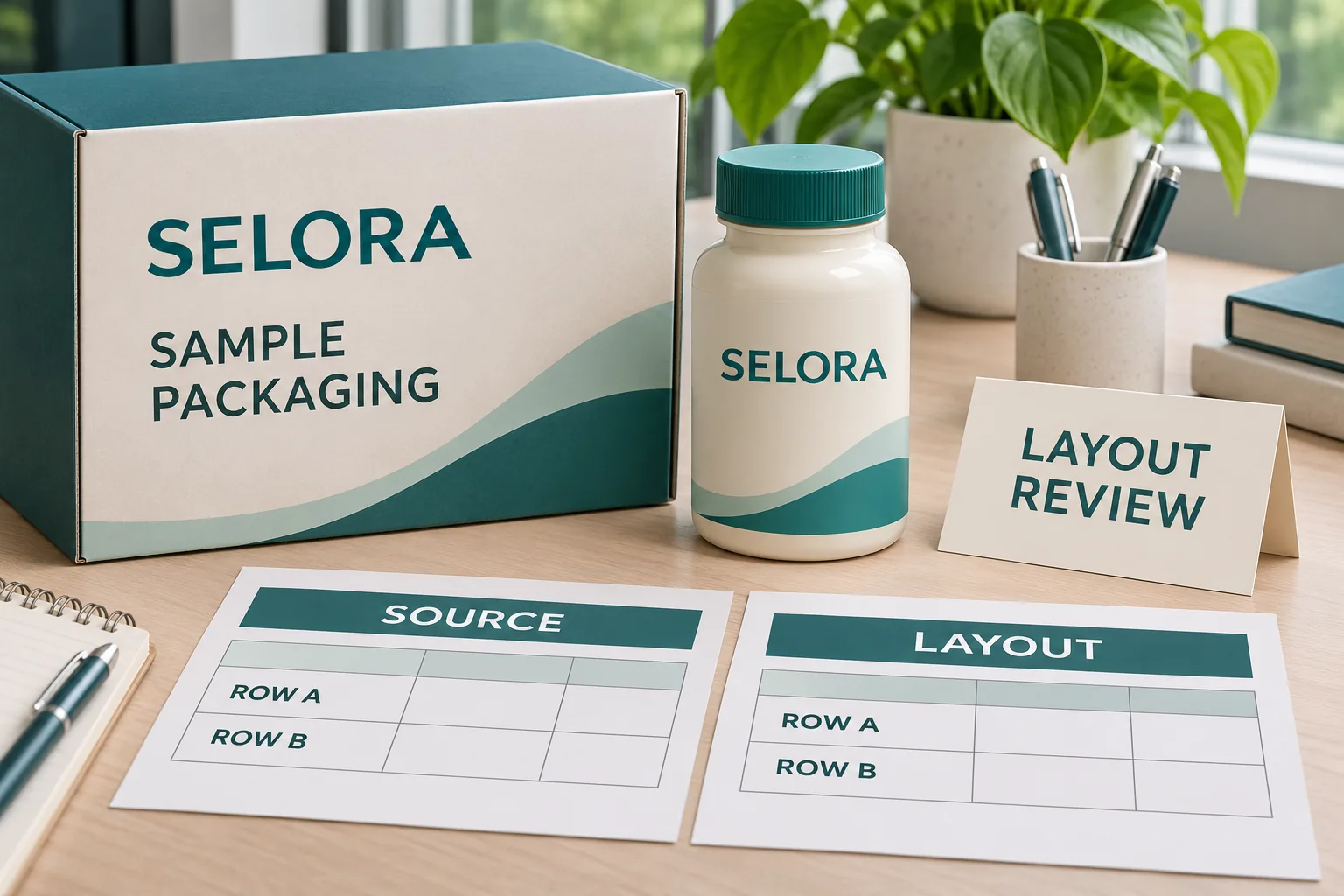
Record the source file, revision, product reference, intended market and authorized reviewer. State whether the document is released content or a working draft. A recent email attachment should not displace the approved source merely because its filename contains final.
FDA’s supplement-labeling guide identifies the Supplement Facts panel and discusses its regulated content and presentation. Use current applicable requirements with qualified advice for the actual product and market. This article provides a print-handover method, not a substitute panel specification or a compliance determination.
Ask how the source is structured. A supplied table, outlined artwork and editable text can require different preparation. Identify which version the reviewer can compare reliably with the label proof. Do not retype from a low-resolution photograph when an authorized source can be obtained.
Compare relationships as well as characters
Make a review copy with temporary internal row references outside the released artwork. Use those references to connect each source item with its corresponding proof location. They are review aids and should not accidentally become part of the printed customer label.
| Relationship to check | Comparison on the proof | Action if unclear |
|---|---|---|
| Item and amount | The authorized value remains beside the intended item | Stop and identify the affected row |
| Value and unit | The unit stays connected to its value | Resolve any detached or altered unit |
| Wrapped lines | Continuation text remains recognizably part of the same entry | Review spacing and layout with the approver |
| Column headings | Each heading identifies the intended column | Recheck all entries under a changed heading |
| Symbols and notes | Markers still point to the correct approved note | Resolve missing, duplicated or reassigned markers |
Do not use visual neatness as permission to rearrange the meaning. A designer may propose a clearer layout, but the content owner must review how the changed arrangement communicates the supplied information. Any content correction needs its own authorized revision.
Review the exported proof at its intended size
A large monitor can make a crowded panel seem workable. Review the actual-size output on the intended bottle or a representative mock-up. Check line wrapping, column separation and the relationship between the panel and adjacent graphics.
Keep the bottle seam and strong decorative elements out of the way of the intended reading task. A layout that fits inside a flat rectangle may become awkward after wrapping. The responsible reviewer must decide whether the proposed package and panel arrangement meet the applicable requirements.
If the information cannot fit as approved, escalate the layout constraint. Discuss permissible changes to the available label area or wider packaging with the responsible people. Do not silently remove a line, shorten a name or invent a different amount to preserve the original design.
Distinguish source errors from transfer errors
If the source itself is inconsistent, return the question to its authorized owner. If the source is clear but the proof differs, identify the specific mismatch for correction. This distinction avoids asking a printer to choose between conflicting product statements.
The leading-zero handover guide addresses exact-character preservation in another kind of supplied data. Here, equal strings are only part of the check. Their row, column and note relationships must also survive layout.
Use a consolidated difference list. Record the source reference, proof location, observed issue, requested authorized action and person responsible. A general message saying fix the facts panel can lead to changes that nobody can later reconcile with the original source.
Two illustrative handovers need different corrections
Imagine a short approved table that fits the intended panel comfortably. The designer places it without changing its structure, and the reviewer confirms the exported version against the released source. The useful task is a documented comparison, not an unnecessary redesign.
Now imagine a longer entry wrapping into the space beside another value. The source may still be correct. The correction concerns the presentation and its review, rather than changing the underlying quantity to make the line shorter. The new layout needs approval before printing.
These are hypothetical artwork situations. They do not describe a compliant sample label or a client incident. A third possibility is that the buyer supplies two contradictory sources. No amount of careful typesetting can establish which one is authorized; that decision must return to the responsible owner.
Keep brand design and content approval connected
A decorative change can affect the information panel even when its words are untouched. Moving a border, changing background contrast or narrowing a panel can alter line breaks and reading. Have the approver examine the actual final arrangement, not an earlier isolated table.
The multilingual artwork guide covers another source of space pressure. Use it when language versions affect the information being placed. Do not treat a translation placeholder or a product-family template as the approved content for every SKU.
Release each product’s content reference and artwork revision together. Confirm the per-design quantity and container reference. A shared brand layout can simplify production while still requiring a separate verified content relationship for each product.
Questions before ordering
Who approves supplement information?
The buyer and qualified reviewers approve content and applicable requirements. Printing support does not replace their review.
Is character matching sufficient?
Also compare rows, columns, units and footnotes. Reflow can change relationships while preserving individual strings.
What if approved content does not fit?
Return the constraint to the responsible reviewer. Do not remove entries or change values to preserve a design.
Send an artwork brief with a named content owner
For supplement bottle and jar labels, provide the authorized source, logo, actual container dimensions and quantity per design through the printing inquiry form. Identify pending review items and the person who approves the product information. Ask for layout and digital-proof support around that approved material, then release the specific exported revision after the appropriate content and print checks.