Changing Vial Label Artwork After Approval: Pause and Reconfirm
The correction looks small: one product code, one line of wording, perhaps a revision to an information panel. The difficult question is whether the approved file is still only a file. Labels may already have been printed, converted, packed or dispatched while the buyer was preparing the new attachment.
Send the correction promptly, but do not treat a sent message as confirmation that production stopped. First establish the actual job status. Then agree what can change, what work already exists and which replacement release will control the next step. A new PDF cannot, by itself, recall an old instruction.
Make the first message a clear change request
Identify the order, affected design codes and currently approved revision. Describe the exact correction and attach an unambiguous marked comparison where helpful. State that the previous release needs review and ask whether affected work can be held pending instructions.
Keep two responses separate: acknowledgement that the supplier received the request, and confirmation of the work actually placed on hold. The first response does not prove the second. Ask who is checking the status and when a definite answer can be expected, especially if a packing date depends on it.
For custom peptide vial labels, this is a packaging artwork process. If the correction concerns product information, obtain the appropriate approved wording from the responsible person. Do not ask a printer to decide which claim or product statement is acceptable merely because the printing schedule is urgent.
Ask which stage the job has actually reached
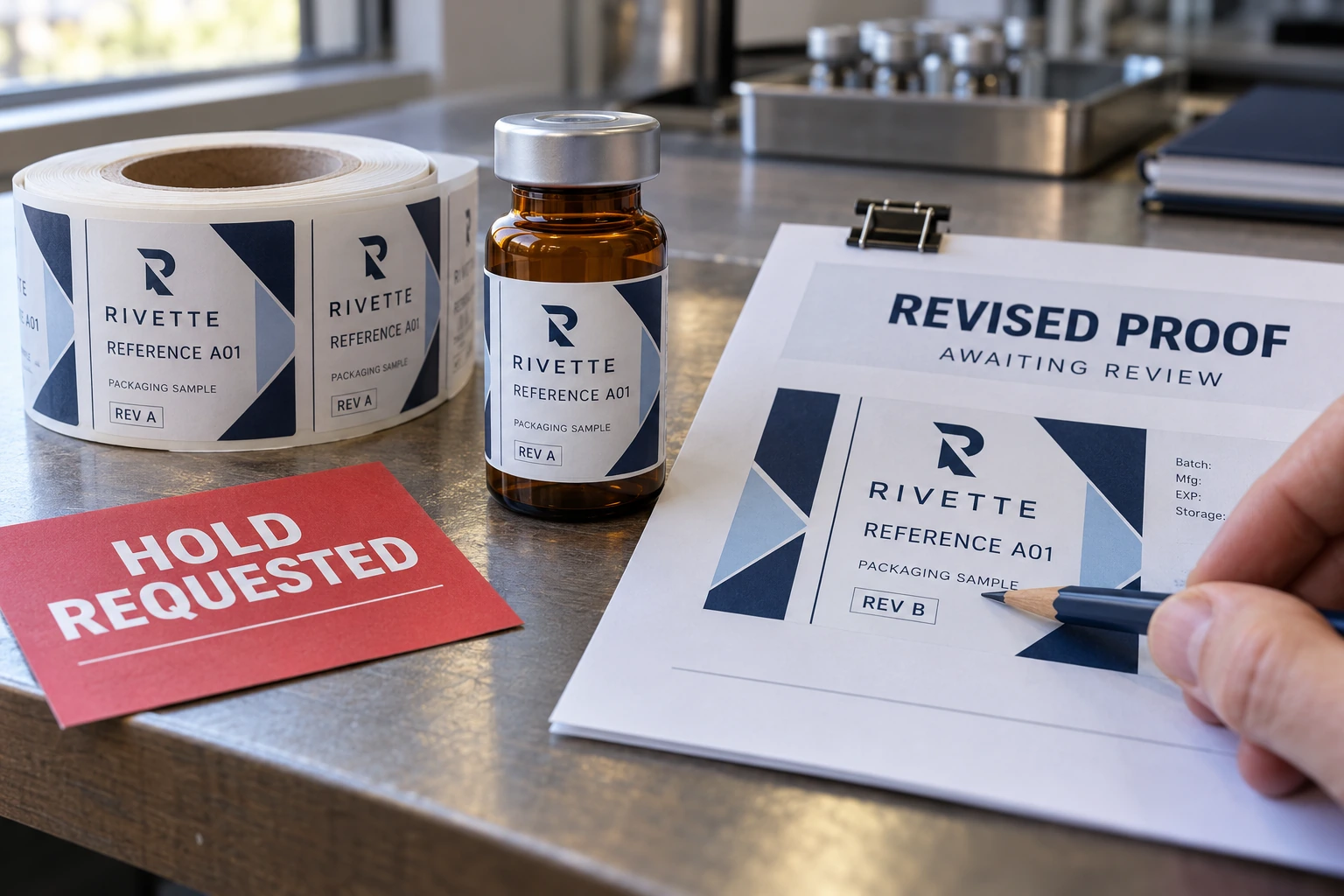
Request an itemized status for the affected designs. One SKU may be waiting for release while another has reached finished stock. Avoid assuming that the entire order is at one stage because all designs were approved in the same email.
| Confirmed work status | Question to ask next | What must not be assumed |
|---|---|---|
| Not yet produced | Can the old release be withdrawn and replaced? | That there is no timing or preparation impact |
| Work in progress | Which quantities and operations already exist? | That all remaining work can immediately stop |
| Finished, not dispatched | What stock is affected and what disposition is possible? | That revised artwork changes printed stock |
| Dispatched or received | Who must prevent unintended use and review the stock? | That changing the file recalls the shipment |
This table is a coordination aid, not a promise about a supplier’s cancellation or rework service. Obtain the actual status and proposal before choosing a recovery route. Do not promise a new arrival date to the packer while the underlying work remains unknown.
Compare a correction with an optional redesign
Consider an illustrative brand discovering an incorrect product identifier before the labels have been produced. Its priority is to establish whether the old release can be withdrawn, supply the approved correction and obtain a replacement proof. Continuing under an unclear file instruction would leave the basic identification problem unresolved.
Now consider an illustrative buyer who prefers a different accent color after a completed run. If the existing design remains acceptable for its intended use, a new revision for a later order may be a more workable choice than replacing usable stock immediately. The buyer should still decide deliberately, with the responsible approvals recorded.
Neither example tells the buyer to use inaccurate or unsuitable labels. It separates an essential correction from an optional preference. When existing stock is unacceptable, the recovery proposal needs to address that stock explicitly; when it remains acceptable, the buyer has a different commercial decision to make.
Account for the work before accepting a new proposal
Ask the supplier to distinguish work already completed, work it can still change and the proposed replacement quantity. Request the timing and cost implications on the actual facts. A late correction may involve more than editing a line on a screen, but a buyer should not assume every possible charge applies either.
If unaffected designs can continue, identify them by code and revision. Obtain agreement on that separation rather than sending a blanket instruction to proceed. The purpose is to preserve useful work without letting the affected item disappear inside a larger release.
Discuss any printed old revision separately: where it is, how it is identified and who can authorize its next disposition. A hold status is different from a final rejection or a decision to discard stock. Keep control with the responsible parties and their agreed process. This guide does not establish contractual remedies or responsibility for a particular error.
Release the replacement as a new version
Use a new revision identifier even if the visual change is tiny. List the exact change, affected designs, approved wording and applicable quantity. Tie the new file to the confirmed construction and to the supplier’s revised proposal where one is needed.
Follow the proof approval checklist for the replacement output. The extra step here is to record what the new release supersedes and which existing stock, if any, remains outside it. An archived old file should not look like a second valid instruction in the production folder.
Name the person approving the replacement and wait for confirmation that the supplier has accepted that release for the agreed remaining work. Do not bury a change instruction inside a long conversation about delivery. Another colleague should be able to open the release record and understand which file applies without reading every message.
Tell the receiving and packing people what changed
A supplier and buyer can agree a correction while the packing team still expects the old delivery. Update the relevant handover with the new artwork reference, stock status and confirmed dates. If mixed revisions could arrive, explain how they will be distinguished and who can authorize their use.
The contract-packer handoff guide covers the broader roles. A late change needs a particularly concise update: what changed, which job is affected, which stock is held, what is still expected and who owns the next decision. Avoid letting the packer infer that a revised PDF means a revised shipment is already on its way.
Questions about changes after approval
Does emailing a replacement file cancel the old one?
Not by itself. Ask the supplier to acknowledge the change request, confirm actual work status and accept a clearly identified replacement release. Preserve both the withdrawal instruction and the confirmed response.
Can I change only one SKU in a larger order?
Possibly, depending on the work and arrangement. Identify the affected design and ask what can be separated. Do not assume all designs can proceed unchanged, or that the whole order must necessarily be repeated.
Is a small text change always free and immediate?
No such promise is established here. The effect depends on whether work has begun and what the agreed service includes. Ask for the actual impact rather than judging it only by the size of the edit.
What if the labels have already arrived?
Identify and control the affected stock, communicate with the responsible packing team and supplier, and agree the next action. A new artwork file does not change the labels already in a carton.
Send the status question with the correction
Use the project quote form for a new or revised printing enquiry, or the agreed contact channel for an existing order. Include the job reference, old and new revisions, affected SKUs, exact correction and required date. Ask what work can still be stopped or changed. The useful outcome is a confirmed recovery instruction, not another attachment called final.