Label PDF Font Checks: Preserve the Approved Typography at the Receiving Side
A file that opens is not necessarily the same rendering
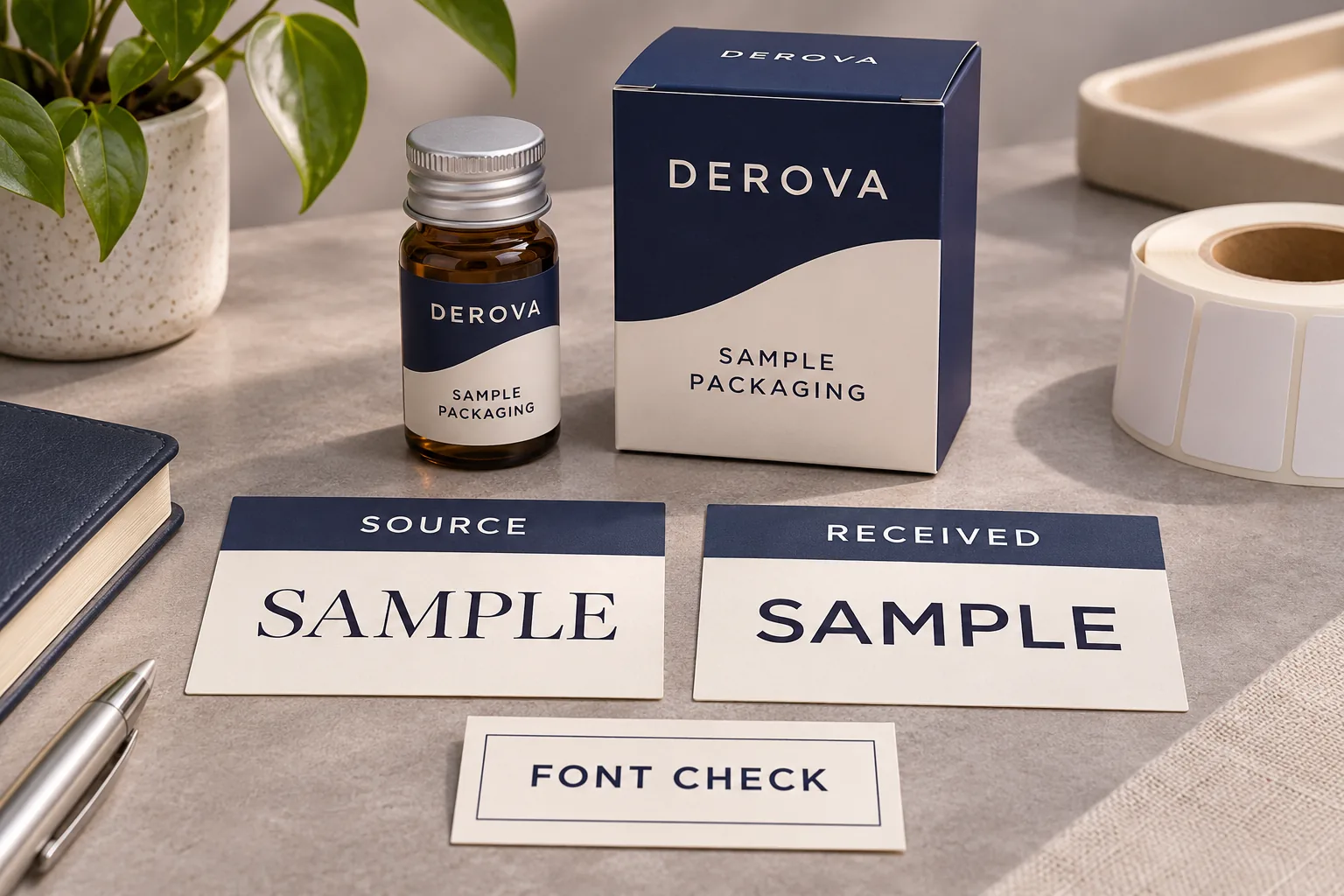
The buyer approves a PDF on one computer. Another recipient opens it and the product name looks slightly different, although the letters still spell the same word. Before changing the brand design, investigate whether the released PDF preserves the intended typography in the receiving workflow. Correct text content and consistent character appearance are separate checks.
Identify the exact exported file and compare the recipient’s view with the authorized reference. Ask the artwork owner to examine its font handling where live text is involved. Do not treat a similar-looking substituted typeface as an approved brand revision, and do not assume the PDF extension proves that every required font is embedded.
Keep source access separate from the released PDF
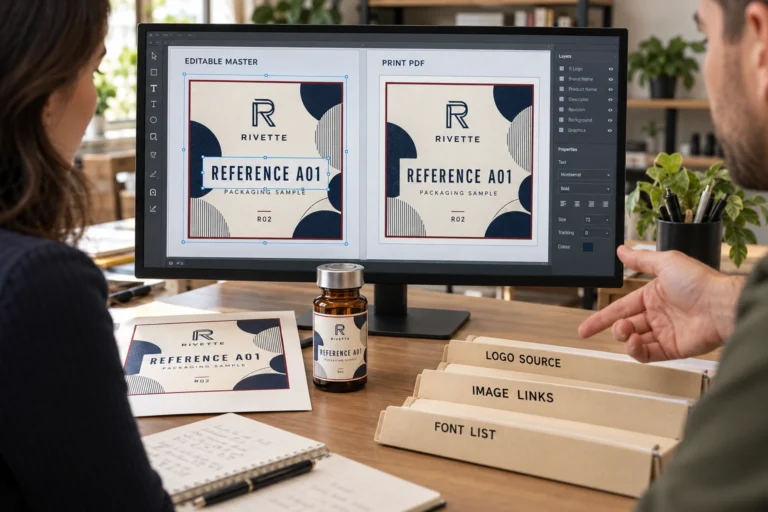
The editable-artwork handover guide addresses source files, linked assets and access for future editing. This article concerns a different checkpoint: whether the specific PDF sent for review or printing carries the intended appearance through its receiving workflow.
Adobe’s font-embedding explanation describes including font data in a PDF, either in full or as a subset of used characters. It also explains that embedding depends on the font vendor’s permitted settings and that substitution may change character shapes when the original font is unavailable.
Use that distinction to ask useful questions about the actual export. It is not permission to distribute font files, a guarantee that any PDF is editable, or proof that a substitute font is acceptable. The designer should follow the applicable font terms and the print provider’s accepted file requirements.
Record the file and the affected text first
Identify the product, artwork revision and exact PDF rather than comparing two attachments with similar names. Ask the recipient to point to the affected location. A cropped screenshot can help locate the concern, but keep the complete file available for the authorized review.
Separate missing characters, changed letter shapes, changed line wrapping and ordinary screen-rendering differences. Do not diagnose all of them as a missing font from a single image. The designer may need to compare export settings, font information and the receiving application before identifying the cause.
Also compare the actual approved wording. A typography discussion should not conceal a changed unit, missing symbol or unauthorized text revision. Where the issue concerns table relationships, use the information-panel handover guide alongside the file-rendering check.
Use a focused PDF typography record
The buyer does not need to become a prepress operator. It needs an identified issue, a responsible file owner and a way to confirm the corrected exported result.
| Checkpoint | Useful evidence | What it does not establish |
|---|---|---|
| Authorized reference | Released source appearance and approved wording | How every recipient will render another export |
| PDF identity | Exact exported revision under review | That all required resources are included |
| Font information | Designer-reviewed embedding or other declared text treatment | Permission to share a font file unrestrictedly |
| Receiving result | Same PDF opened through the intended workflow | That a screenshot is a production specimen |
| Correction | New identified export and comparison of affected text | Approval of unrelated artwork changes |
| Release | Accepted final file and resolved exception list | Universal compatibility with unknown software |
Where Acrobat is used, Adobe describes checking font information through Document Properties and its Fonts tab. Have the responsible person interpret the actual result. A list of font names is not a substitute for confirming whether the required appearance is represented and accepted in the intended workflow.
Ask the designer to correct the export at its source
If the exported file lacks a permitted required resource, the artwork owner should establish an appropriate correction and provide a new identified output. Avoid making an uncontrolled text edit directly in the buyer’s review copy. It can create another file whose relationship to the approved design is unclear.
If the font cannot be embedded under the applicable settings or terms, discuss a permitted alternative with the responsible designer and printer. A replacement typeface changes the appearance and needs approval. Another accepted text treatment may have different consequences for later editing, searching or accessibility. Do not choose it merely because it removes a warning.
Preserve the authorized source independently of any print-specific output. A file prepared to reproduce the current design may not serve as the best editable master for the next SKU. Maintain the link between the source revision and released PDF instead of overwriting both during a quick correction.
Compare the corrected result without redesigning the label
Open the revised PDF through the intended receiving path and compare the affected brand name, symbols and text layout with the approved reference. Check nearby content too, because a font or export change can alter the space used by a line. Consolidate the observations rather than approving only the first corrected letter.
If appearance is consistent but small text remains difficult to read, the issue may concern size, contrast or layout rather than missing font data. The artwork-resolution guide helps separate source-image detail from other reading problems. Increasing a photograph’s resolution will not resolve an unrelated typography substitution.
A representative print may still be required for the actual-size reading task. A corrected PDF can resolve a file question while leaving material, finish and physical legibility open. State which approval has passed so the next person does not interpret a resolved export exception as approval of the entire label construction.
Questions before releasing label PDFs
Does a PDF automatically include every font?
No. Ask the artwork owner to inspect the actual exported file and the intended receiving workflow. The extension alone does not establish its font treatment.
Does an embedded subset necessarily mean the file is defective?
No. Adobe describes subsets as one embedding approach. The reviewer should assess the actual output and required task rather than reject it because of the word subset.
Can I solve the problem by sending every font file?
Do not assume redistribution is permitted or required. Ask the responsible designer to use an appropriate licensed export or agreed alternative and provide the corrected PDF.
Request an identified artwork review
For custom vial labels, send the authorized artwork, exact PDF revision, intended dimensions and quantity per design through the project inquiry form. Identify any differing characters or layout and the receiving software where known. Ask what file preparation and proof comparison are available before releasing the final printing revision.