RGB Vial Label Artwork: Agree Who Converts the Color Before Printing
Conversion is a purchasing instruction
A vial label built for a website can contain attractive RGB artwork. Sending that file for printing raises a practical question: who converts it for the proposed output, and which result will the buyer approve? “Please make it print-ready” leaves that decision open if the designer, buyer and printer are working from different assumptions.
I would identify the conversion responsibility before editing colors to match a phone display. The goal is an agreed production interpretation of the artwork on the selected construction. It is not a promise that every bright screen color can appear unchanged on every label material.
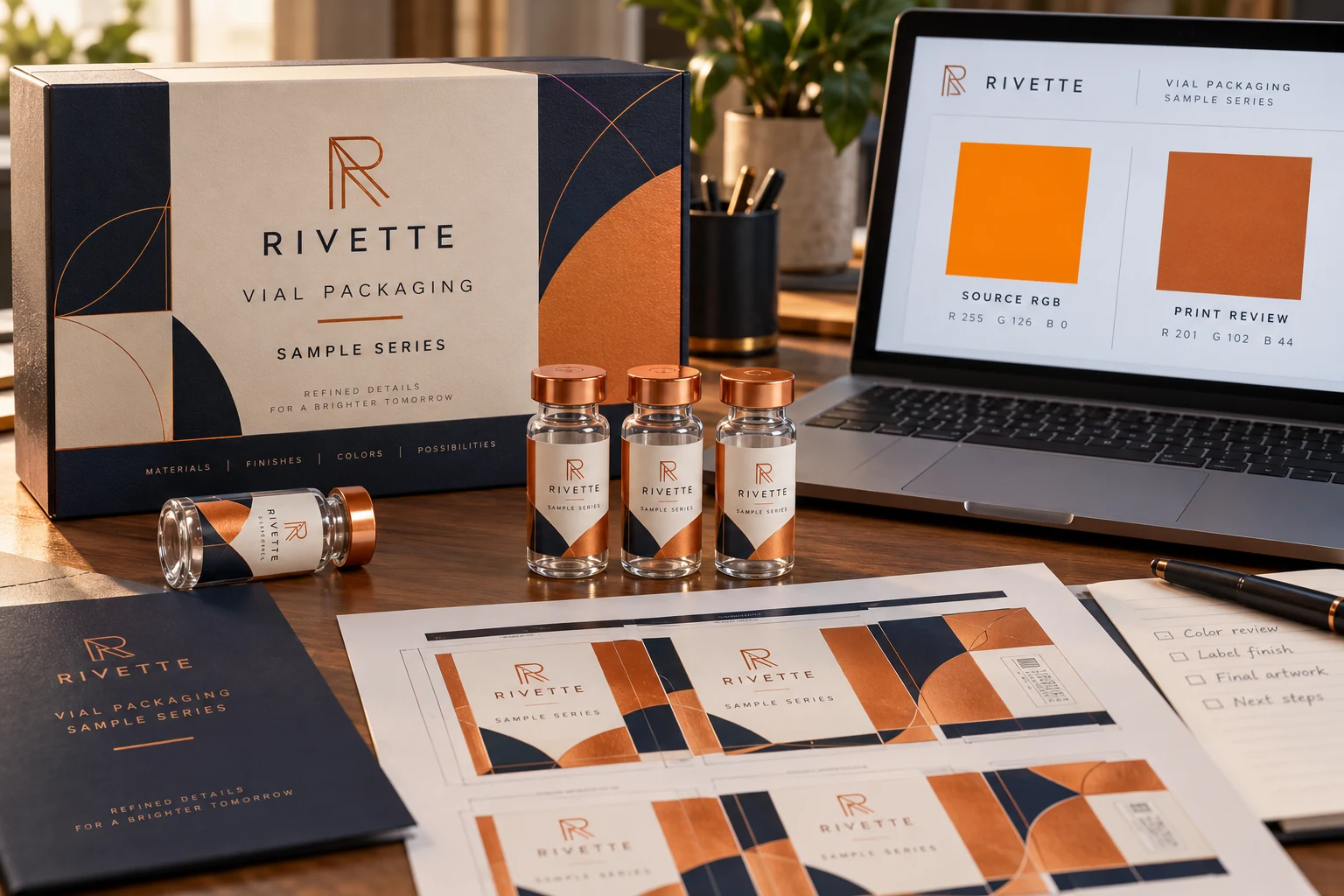
This decision is different from choosing spot inks versus a process-color quotation. You may already have chosen a printing proposal and still need to establish how the source file reaches that output. Keep the purchasing specification and the color-file instruction connected.
Record the starting file and the proposed output
Ask the artwork owner what the source file contains. Identify the delivered PDF revision, any supplied color profiles and any physical reference the buyer expects the supplier to use. If those details are unknown, say so. Inventing a profile name to complete the enquiry only gives the next person a false instruction.
Ask the supplier whether it wants the source artwork preserved for its prepress workflow or a converted production file prepared to its stated requirements. There can be a sensible reason for either route. What matters is that one party owns the conversion and the buyer knows what will be reviewed afterward.
Adobe’s color-conversion guidance distinguishes document conversion from temporary viewing or printing transformations. Changing actual color values is a file change. A screenshot that looks similar does not document which conversion was applied or whether another conversion will follow later.
Do not select a generic profile on behalf of the printer
A buyer can communicate the desired appearance without guessing the output conditions. Ask for the supplier’s requirements and the appropriate reference for the proposed material and process. A profile chosen for a different printing condition is not automatically correct because its name includes CMYK.
Identify the areas that matter most: perhaps the brand panel should remain visually consistent with existing stock, while a photographic background allows more flexibility. That distinction helps everyone prioritize the review. It is more useful than requiring an undefined perfect match across the entire design.
| File question | Written instruction to obtain | What to check afterward |
|---|---|---|
| Who converts the source? | Named owner and agreed workflow | The delivered file is the expected version |
| What guides conversion? | Supplier’s output requirements and relevant references | No unapproved profile or treatment was substituted |
| What must stay unchanged? | Wording, dimensions, layers and fixed data | Color preparation did not alter unrelated content |
| What appearance needs physical review? | Identified material and sample/reference plan | Approval is based on the proposed construction |
Keep any spot colors, white layers or special separations visible in the discussion. Do not assume that a broad conversion instruction means every named ink should be treated identically. The supplier should explain the intended handling of the actual file.
Approve the changed file, then approve the relevant appearance
Save the source and converted versions separately. Record which one is the production candidate. Compare the converted artwork with the original for unexpected content, image or layer changes as well as appearance. A conversion that solves one color question should not silently remove a required white panel or replace approved wording.
The screen remains one viewing context. Adobe’s color-management explanation notes the role of profiles, display conditions and soft proofing. That supports a bounded workflow, not a guarantee that an arbitrary laptop preview reproduces a reflective or textured label.
When a particular printed appearance decides acceptance, agree what physical reference or sample will answer that question. Keep material, background, finishing and viewing conditions identified. Our repeat-order color-reference guide explains why a retained printed reference can be more useful than remembered screen color.
Two illustrative projects show why ownership matters
Imagine a launch buyer with a logo designed mainly for digital use and no accepted printed reference. The sensible next step may be to ask the printer to propose a production interpretation and identify any appearance compromises before release. Blindly converting the source several times adds confusion without creating a reference.
Now imagine an established brand supplying a file already prepared to a particular agreed output requirement. Here the buyer should identify that preparation and ask whether the receiver will preserve it or needs a deliberate change. An additional automatic conversion might undermine the intended workflow rather than improve it.
Neither example is a reported customer result. The counterexample to extensive color work is a simple label whose acceptance depends mainly on wording, clear contrast and fit. It may not need the same appearance-control effort as a demanding brand-color project. Let the commercial requirement determine the review, while still keeping the production file identifiable.
Questions about RGB artwork
Is RGB artwork automatically unusable?
No blanket conclusion follows from the color model alone. Ask what the proposed printing workflow accepts and how any needed conversion will be handled.
Can the buyer just choose any CMYK preset?
Do not substitute a guessed preset for the supplier’s requirements. Confirm the intended output conditions and preserve the source before approving a changed file.
Does a converted PDF establish printed color?
It records part of the file preparation. The material, print process, finish and agreed viewing reference still matter to the appearance decision.
If the conversion changes the intended output route, the spot-color and CMYK proposal guide helps distinguish a color target from the method actually quoted.
Send the conversion question with the brief
Request custom vial label printing with the source artwork, named PDF revision, vial dimensions, quantity per design and any existing printed reference. In the project enquiry, state whether conversion is already agreed or needs a supplier proposal. RP Labels offers artwork and digital proof support; the particular output requirements and any physical review remain project-specific. One clear conversion owner is more useful than three people making the same file “print-ready” in different ways.