Custom Label Proof Approval: 7 Checks Before You Order
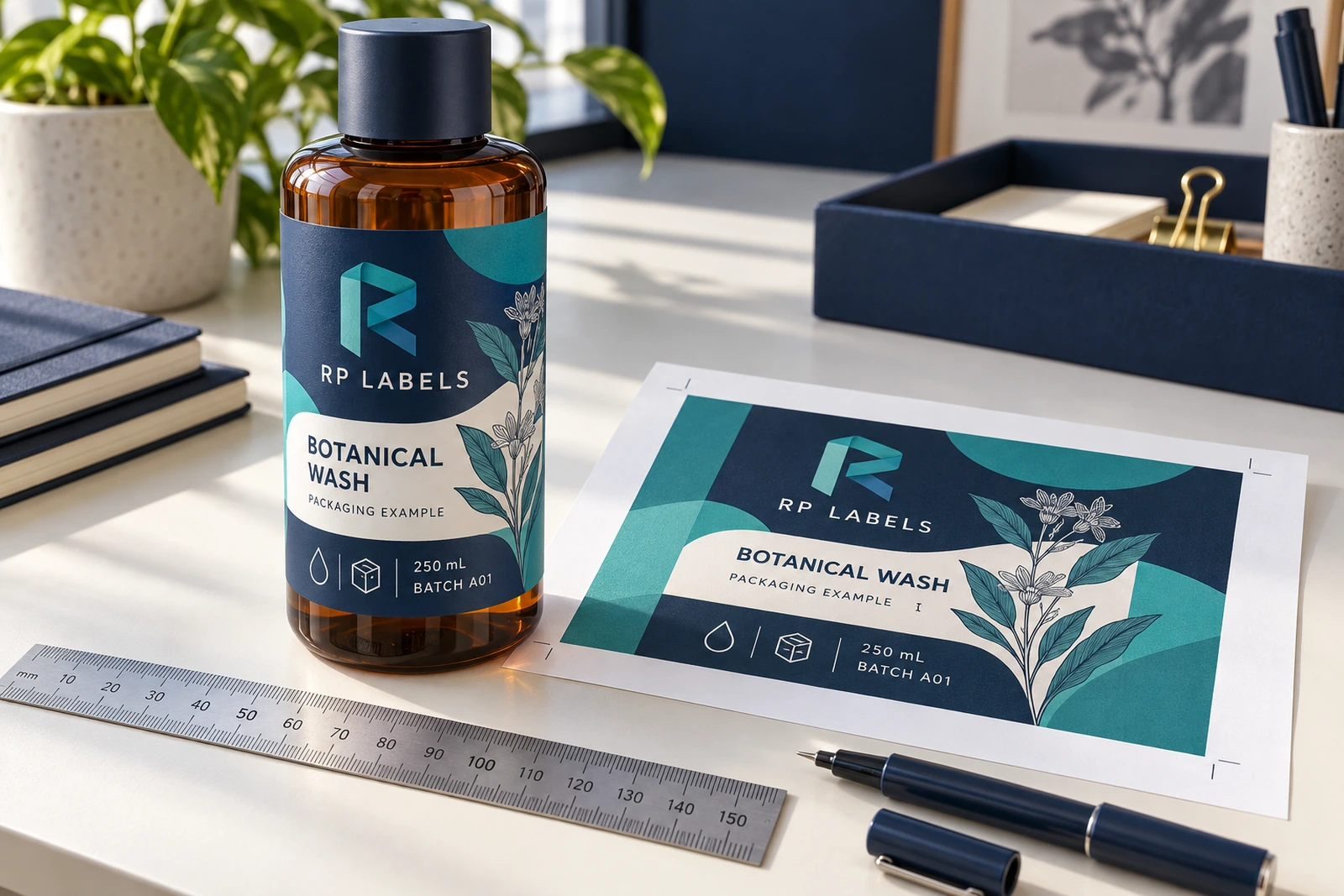
A custom label can look finished on a screen and still be wrong for the order. The logo is clean, the colors feel right, and somebody wants the launch date confirmed. Then the buyer approves a file with the old variant name or a label height that crosses the bottle shoulder. The printer may reproduce the approved file accurately. The buyer still pays for a problem.
My buying rule is simple: approve a named production file against a written specification, not against your memory of the last conversation. A digital proof is useful for artwork and layout; it is not evidence of adhesive performance or an exact promise of printed color. Keep those approval questions separate, then bring them together in one release record.
1. Confirm the finished size on the actual package
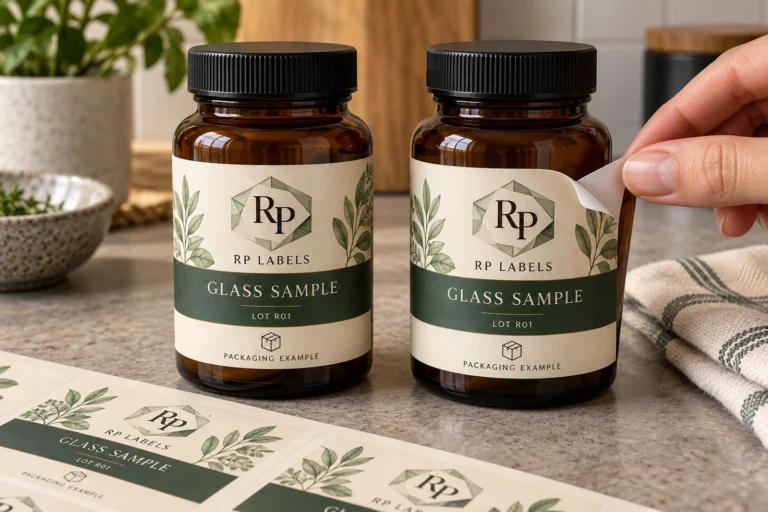
Start with width, height, units and shape. A label shown at 150% zoom is easy to read; the same design on a small bottle may not be. Print a paper mock-up at actual size, check the scale, and place it on the intended container. Inspect the shoulder, base and seam rather than checking only whether the rectangle fits somewhere on the bottle.
Record whether the width includes a seam gap or an overlap. Ask the supplier to distinguish the finished cut line from bleed and the safe area for important information. Do not invent a universal bleed value: use the requirements for the chosen printing and cutting process. Our label size calculator can help establish a starting dimension, but a physical fit check still matters.
2. Review wording without looking at the design
Read a plain-text version of the product name, variant, net contents, batch fields and contact information. This removes the distraction of a handsome layout. Compare it with the approved source document, then check the same wording in the proof. Buyers should obtain any required market-specific product review separately; an artwork service does not approve product claims.
Assign responsibility for the text. A designer can correct spelling, but should not guess whether a quantity, ingredient statement or intended use has changed. If two people send competing corrections, nominate one person to consolidate them. Silence from the second reviewer is not an approval record.
3. Decide what white means in the artwork
On white stock, an unprinted area may supply the white background. On clear or metallic stock, that assumption can change the result. Ask which areas use opaque white ink, which allow the material to show through, and which carry printed color above white. A white-looking area in a PDF does not answer that question by itself.
For a clear-label example, Avery’s guidance on dark surfaces explains why a white underprint can improve visibility. That is a useful production question, not a claim that every printer or every RP Labels specification includes the same capability. Request confirmation for your proposed construction and a representative physical sample when appearance is critical.
4. Check reading order after the label wraps
The flat proof shows everything at once. A customer holding the bottle does not. Locate the main brand panel, essential information, seam and any machine-readable area on a wrapped mock-up. Avoid placing a crucial word where the viewer needs to rotate the bottle halfway through it.
A hypothetical launch buyer has one bottle and one design. The temptation is to enlarge the logo until every other element is squeezed around it. A different hypothetical distributor has eight variants and needs the variant name in the same position on every bottle. Neither buyer benefits from approving the flat composition before checking how a hand will actually turn the package.
5. Separate fixed artwork from changing information
List what stays printed permanently and what changes between products or batches. For example, a shared brand panel may remain fixed while a product code, lot field or quantity changes. Confirm who supplies that data, which file contains it, and whether it is printed in this order or added later by the buyer.
If a QR code or barcode is operational, use the real approved data and arrange a physical verification check for the finished print. A readable number below a symbol is not proof that the symbol works. Decorative example codes in design references should never be copied into a live product file without review.
6. Tie the proof to the quoted construction
The approval should name the face material, adhesive specification, finish, supply format and quantity per design. A proof for glossy white film does not automatically approve a later substitution to textured paper. Nor does matching artwork approve a change in roll direction for the applicator.
Consider a hypothetical online seller ordering a short hand-applied run. Sheets and a simple finish might be a sensible starting point. A contract packer feeding a labeler has a different priority: roll dimensions and presentation must match the machine. Paying for a beautiful finish will not recover time lost to the wrong supply format. Use the ordering specification reference to collect these inputs before comparing prices.
7. Release one version, with one named approval
Give the final file a stable name and revision number. Record the approver, approval date, approved quantity split and linked specification. Mark superseded files clearly in the shared folder. Send a single consolidated release instruction rather than a sequence of comments spread across email and messaging apps.
If anything changes after approval, ask whether a revised proof, sample or quotation is needed before production continues. The extra review is inconvenient. Reprinting the wrong file is more inconvenient. For repeat orders, compare the new order with the retained approval record instead of assuming that a familiar product name means the specification is unchanged.
Questions buyers ask before signing off
Does a digital proof guarantee the printed color?
No. It helps confirm content and layout, but screens and printed materials differ. Discuss a physical color reference or sample when color is a deciding requirement, and agree how that reference will be evaluated.
Should I approve artwork before choosing the material?
You can develop the design early, but final approval should refer to the agreed construction. Clear, white and metallic materials can change how the same artwork appears, especially where white ink or exposed material is involved.
Can I change a product name after approval?
Ask for a revised production file and written confirmation of the impact on timing and cost. Do not assume that a message containing the new name replaces the approved file automatically.
What should I keep for the next order?
Keep the final artwork, revision number, dimensions, material and finish specification, quantity split and approval record. Add the accepted sample reference if one was used. That makes a repeat order easier to compare and explain.
Send a brief that can actually be approved
RP Labels offers free artwork and digital proof support. Share your container dimensions, proposed material, artwork, quantity per design and delivery country through the custom label quote form. Orders can start from 100 pcs, subject to each design and specification being confirmed. Ask for the proof and quoted construction together. The useful final action is a clear release record, not another message saying the design looks good.